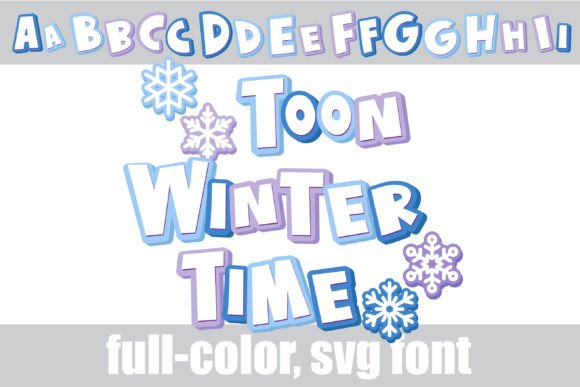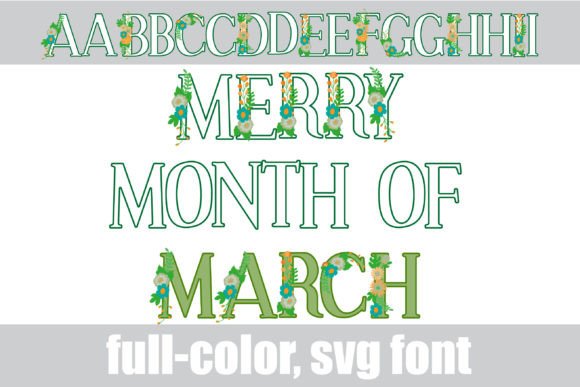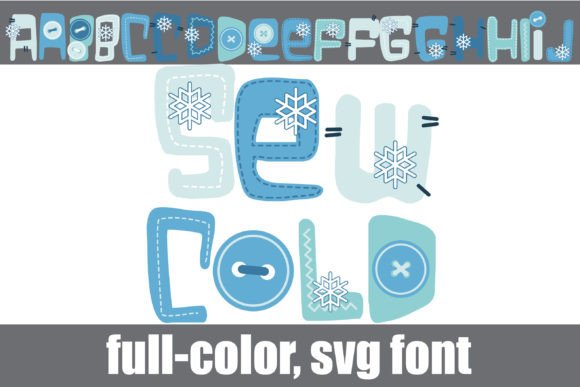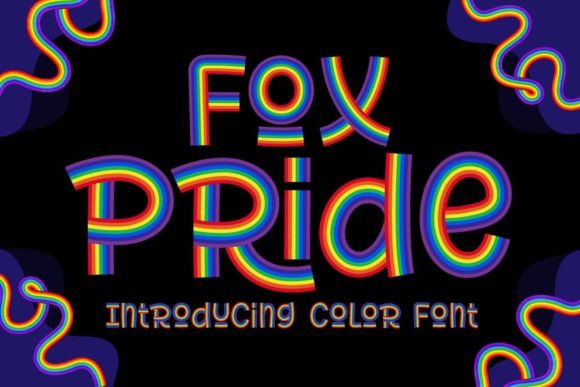
Embrace the Chill: Styling with the Pretty in Winter Font
When the air gets crisp and the first snowflakes begin to fall, there is a specific visual language that takes over. It is a mix of cozy warmth, icy elegance, and festive cheer. As designers, content creators, and business owners, capturing that specific seasonal magic often comes down to the typography we choose. While standard serif or sans serif fonts do their job year-round, they rarely capture the whimsy of a snow day. That is where Pretty in Winter enters the scene, offering a fresh take on seasonal typography that goes beyond the standard holiday clipart.
More Than Just a Holiday Typeface
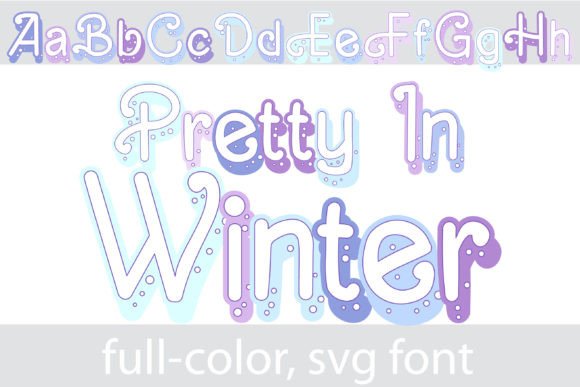
At its core, Pretty in Winter is a flourished sans serif, but that description barely scratches the surface of its personality. Imagine a clean, modern sans serif structure, but one that has been dusted with a fresh layer of snow. The visual characteristics are distinct: it features the clarity of a sans serif but with the added flourish of snow-capped letters. It manages to feel festive without being kitschy, making it a versatile asset for high-end winter branding.
The true magic lies in its technical execution as an OpenType full-color (SVG) font. This isn't just a black outline; it is a fully rendered image within the font file itself. The "snow" effect isn't a texture you have to apply in Photoshop; it is baked right into the letterforms with a winter color palette. This means when you type, you get immediate, full-color results that look like tiny pieces of digital art. For anyone working in modern typography, this is a game-changer. It allows you to add depth and texture to your brand identity instantly, without complex layering or design workarounds.
Understanding Color Font Technology
If you haven't worked with color fonts before, the concept is simple but the impact is huge. Historically, fonts were vector outlines filled with a single color chosen by the user. SVG fonts, like Pretty in Winter, allow designers to embed SVG (Scalable Vector Graphics) artwork directly into the font file. This supports multiple colors, transparency, and gradients.
Because it is vector-based, Pretty in Winter scales beautifully. Whether you are using it for a massive billboard or a small social media icon, the crispness of the "snow" and the underlying letterforms remains perfect. It is a premium font technology that brings illustration and typography together, creating a creative font experience that standard typefaces simply cannot match.
Practical Applications: Where to Use Pretty in Winter
Knowing a font looks good is one thing; knowing how to deploy it effectively is another. Because Pretty in Winter is a display font, it shines brightest in headlines, logos, and short bursts of text. It is not designed for long-form body copy (that is a job for a standard sans serif font), but for the moments where you need to grab attention.
Branding and Logo Design
For seasonal businesses—think ski resorts, holiday catering companies, or winter fashion boutiques—Pretty in Winter offers an immediate visual shorthand. Using this typeface in your logo design during Q4 can instantly signal a shift in your seasonal offerings. It pairs beautifully with neutral backgrounds, allowing the "snow" texture to pop. If you are a small business owner creating a holiday campaign, this font helps you look polished and professional without hiring a specialized illustrator.
Digital Marketing and Social Media
In the fast-scrolling world of Instagram and Pinterest, stop-scrolling power is everything. Pretty in Winter is perfect for social media graphics. Its inherent texture adds visual weight to a post, making it stand out against a sea of flat, minimalist text. Use it for "Sale" announcements, holiday greetings, or header images on your blog. Because it is an SVG font, the file size is generally manageable, and the visual impact is high.
Packaging and Editorial Design
For those in packaging design, particularly for artisanal goods, cosmetics, or seasonal treats, this font adds a tactile quality. It suggests luxury and care. Similarly, in editorial design, such as magazine covers or holiday recipe books, using Pretty in Winter for drop caps or pull quotes can elevate the entire layout. It brings a cohesive winter theme that feels curated rather than generic.
Installation and Compatibility: The Technical Reality
One of the biggest hurdles with advanced design assets is often installation. However, Pretty in Winter is designed to be user-friendly. It installs just like any normal .otf font file. On a Mac, you simply drag it into FontBook; on Windows, you can use the Control Panel or your preferred font manager.
However, there is a specific technical nuance you must be aware of: color fonts will show as black in non-compatible programs. This is a critical detail for workflow. If you are using older versions of software or text editors that don't support SVG technology, you will just see a solid black silhouette.
Programs that fully support these full-color SVG fonts include Adobe products (Photoshop, Illustrator), Silhouette Studio, Quark, and Inkscape. A common point of confusion is the preview window. Even in compatible programs, the font often appears black in the selection dropdown or preview window. You will only know if your program supports the color aspect once you type on the document canvas and see the colors appear. If you see the winter palette, you are good to go.
Strategic Design: Pairing and Hierarchy
When integrating Pretty in Winter into your workflow, think about balance. Because the font is visually heavy and textured, it requires a "quiet" partner.
- Font Pairing: Avoid pairing it with other decorative, script fonts, or handwritten fonts. The visual noise would be overwhelming. Instead, pair it with a clean, geometric sans serif font or a classic serif font. The contrast between the snowy, flourished display font and a crisp, readable body font creates a professional visual hierarchy.
- Color Usage: While the font comes with its own winter palette, you can access alternative colors through the glyph map in software like Silhouette Studio. This allows you to change the color of the snow or the letters to match specific brand guidelines, offering flexibility that standard image files cannot provide.
- Readability: Treat this as a headline or accent font only. Its unique styling makes it excellent for recognition and engagement, but difficult to read in small sizes or long paragraphs.
Elevating Your Winter Content
Ultimately, Pretty in Winter is about saving time while raising the quality of your output. For entrepreneurs and marketers, it removes the need to commission custom illustrations for every seasonal post. For crafters and hobbyists, it provides a professional finish to DIY projects.
By leveraging this modern typography