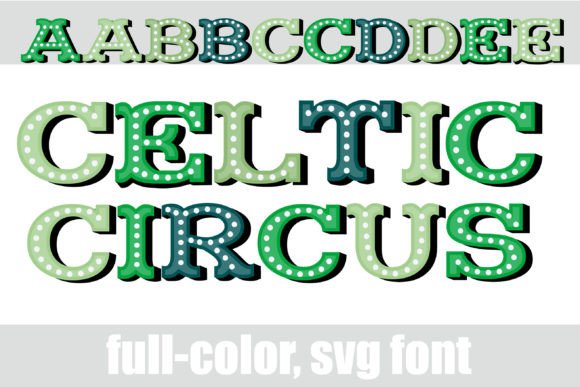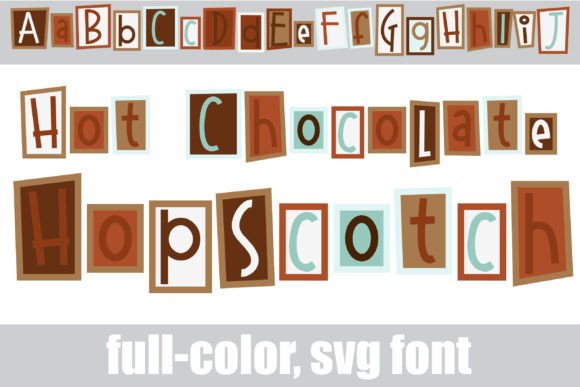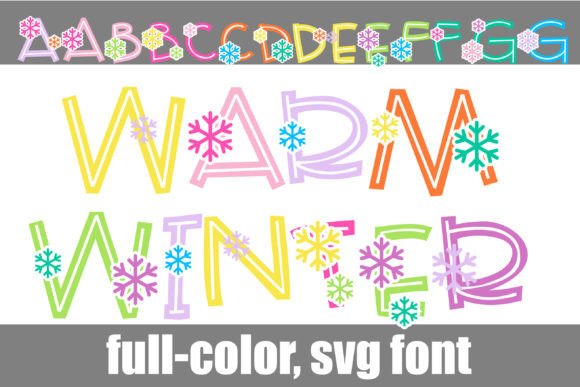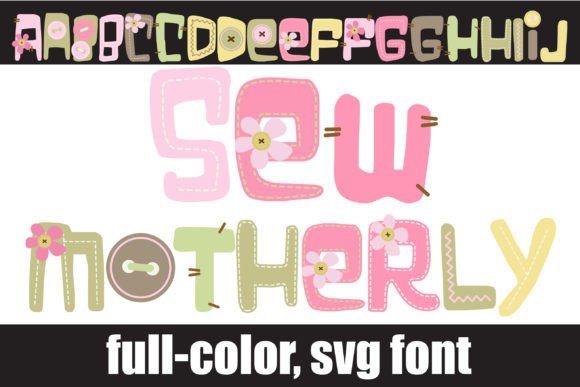
Grasshopper Green: A Whimsical Stripe Font for Bold Projects
Understanding the Character of Grasshopper Green
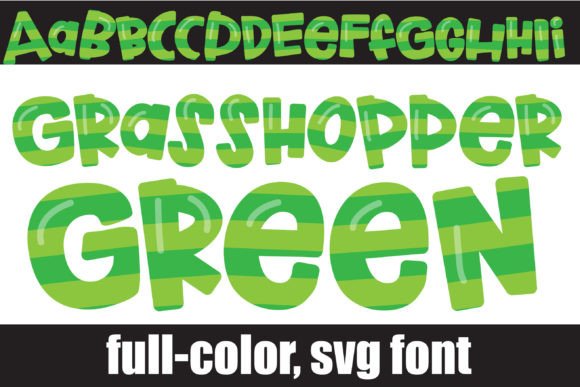
When you first encounter the Grasshopper Green font, the immediate impression is one of playful energy and distinct texture. It isn't just another standard typeface; it is a full-color SVG font that features whimsical stripe lettering in a vibrant green palette. This design choice transforms standard text into a visual element that feels like a summer craft project or a fresh outdoor logo. The personality of this font is undeniably cheerful and active. It carries a sense of movement and zest that standard monochrome fonts simply cannot replicate. For designers looking to inject some life into their work, Grasshopper Green offers a specific aesthetic that bridges the gap between digital precision and hand-crafted charm.
The visual characteristics are defined by the "stripe" effect. Instead of a solid fill, each letter is composed of lines of color, giving the text a woven or textured appearance. This technique adds depth and interest, making the letters pop off the page or screen. The color palette is a bright, natural green, evoking themes of nature, freshness, growth, and vitality. Because it is an SVG (Scalable Vector Graphics) font, the color information is embedded directly into the font file. This means you get the high-quality vector look with the added benefit of multi-color capability right out of the box. It is a premium font asset designed for impact, not necessarily for long-form reading.
Practical Applications: Where This Creative Font Shines
Finding the right project for a display font like Grasshopper Green is key to using it effectively. Because of its intricate stripe detailing and bold color, it functions best as a headline or accent typeface. Think about the context of your design. Is it meant to be loud and fun? If so, this font is likely a great fit. It works exceptionally well in packaging design, particularly for products aimed at children, organic goods, or summer-themed items. Imagine a juice box label or a garden center poster; the font immediately communicates the product's vibe without needing a paragraph of explanation.
For brand identity, this typeface is a strong contender for logos that need to stand out in a crowded market. A small business owner creating a logo for a landscaping company, a smoothie bar, or a children's party planning service could use Grasshopper Green to establish a brand voice that is approachable and energetic. It is also a fantastic tool for social media graphics. In a scroll-heavy environment, a static image needs to grab attention instantly. Using this font for a "SALE" banner, a "NEW POST" announcement, or a quote graphic can stop the scroll because the visual texture is different from the standard sans serif or script fonts users see every day.
Here are a few specific scenarios where this font excels:
- Editorial Design: Use it for drop caps or pull quotes in a lifestyle magazine to break up text monotony.
- Event Invitations: Perfect for summer BBQ invites, pool party flyers, or eco-friendly event headers.
- Digital Assets: Creating stickers for digital planners or headers for blog posts about gardening and wellness.
- Merchandise: T-shirt designs and tote bags where a bold, graphic statement is the goal.
Technical Nuances and Installation for Creators
One of the most common points of confusion with fonts like Grasshopper Green is the technical requirement of SVG technology. As an OpenType full-color font, it operates differently than a standard .otf or .ttf file. You install it the same way—via FontBook on a Mac or the Control Panel on Windows—but the rendering depends heavily on your software. It is crucial to understand that this is a premium font technology. If you open it in a program that does not support color fonts, such as older versions of Microsoft Word or some basic text editors, the font will appear as a solid black silhouette. This is normal behavior, not a glitch.
To see the full green stripes, you need compatible software. Programs like Adobe Illustrator, Photoshop, Inkscape, QuarkXPress, and Silhouette Studio generally support full-color SVG fonts. When you type in these programs, the color should render immediately. However, note that even in compatible software, the font preview window might still show the font in black and white. Always test the font on your actual canvas to see the true color.
Furthermore, the Grasshopper Green font includes alt cases and additional variations. This is a significant advantage for web design and logo design, where uniqueness is paramount. If you are spelling out a word and two letters look too similar, you can access the glyph map in your design software to swap in an alternate version of a letter. This prevents the text from looking too repetitive or "digital." It mimics the natural variation found in hand-lettering, adding a layer of authenticity to your creative font usage.
Strategic Pairing and Readability
While Grasshopper Green is visually striking, it is not a workhorse text font. The striped texture, while beautiful, can become difficult to read if used for long sentences or small body copy. The primary rule of modern typography is readability; if the audience struggles to decode the message, the design has failed. Therefore, treat this typeface as a display or headline font only.
The key to successful font pairing is contrast. Because Grasshopper Green is playful, textured, and bold, it pairs best with clean, simple typefaces. A standard sans serif font like Helvetica, Arial, or a modern geometric sans is an excellent companion. These neutral fonts won't compete for attention, allowing the headline to shine while ensuring the supporting text remains legible. Alternatively, pairing it with a simple serif font can create a nice balance between whimsy and traditional structure, suitable for editorial layouts.
Avoid pairing Grasshopper Green with other highly decorative, script font styles, or handwritten font options. Two "loud" voices in the same design usually result in visual chaos. When evaluating your project fit, ask yourself: Does this font support my message? If you are designing a legal document or a serious corporate report, Grasshopper Green is likely the wrong choice. However, if you are launching a campaign that requires high energy and visual engagement, it is a powerful tool in your design assets library.
Licensing and Commercial Use
Before using Grasshopper Green in a commercial capacity, always verify the licensing terms. Most commercial font licenses cover a wide range of uses, including physical products, digital media, and branding. However, SVG fonts sometimes have specific clauses regarding software embedding or large-scale distribution. For entrepreneurs and small business owners, ensuring you have the correct license protects you legally and supports the type designers who create these complex, creative font files. Check the documentation included with the font download to ensure your specific use case—whether it is for a client's logo design or your own merchandise—is fully covered.